Securing your website with an SSL (Secure Sockets Layer) certificate is crucial in today's digital landscape. It not only protects the sensitive data transmitted between your website and its visitors but also boosts your site's credibility and search engine rankings. While SSL certificates are essential, they often come at a cost. However, with Certbot, an open-source tool, you can obtain a free SSL certificate for a lifetime.
One of the key advantages of using Certbot is that it automates the certificate renewal process. Let's Encrypt SSL certificates are valid for 90 days, and Certbot takes care of renewing them automatically. This means you won't have to worry about manually renewing your SSL certificate or paying for a new one.
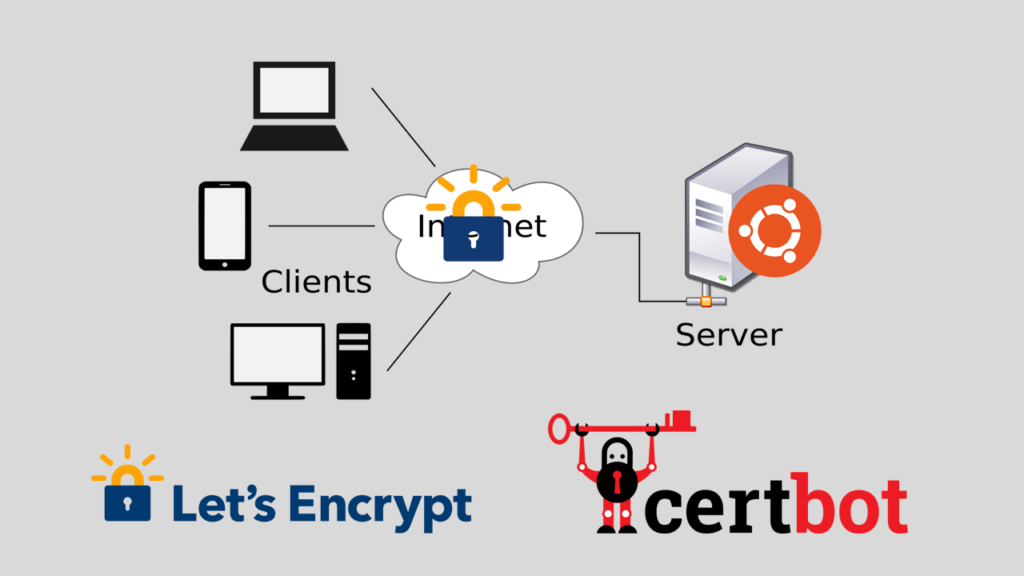
To get started, you need to have a server running a supported operating system such as Linux. Certbot supports a wide range of popular web servers, including Apache and Nginx. First, you install Certbot on your server, which can be done through the package manager of your operating system.
Prerequisites:
-
A Linux server
-
Apache or Nginx installed
-
FQDN pointed to the server's IP address.
Installing certbot
Certbot officially distributed by Snap packages. Snap comes pre installed in Ubuntu servers, but if you use Debian or Debian based system you can install it with --
sudo apt install snapd; sudo snap install core; sudo snap refresh core
Remove certbot-auto and any Certbot OS packages
Debian/Ubuntu: sudo apt-get remove certbot
Fedora: sudo dnf remove certbot
CentOS: sudo yum remove certbot
Finally, run this command:
sudo snap install --classic certbot; sudo ln -s /snap/bin/certbot /usr/bin/certbot
If the command succeed, the Certbot is ready to issue free let's encrypt ssl for your domain.
Before you run the certbot make sure that your domain name exist in server_name(nginx) & ServerName(Apache) directive in apache or nginx vhost file.
Point the DNS for your domain name
You need to set an A and CNAME records for your domain name pointing to the host's external/public IP address. Prior to that, you need to open port 80 and 443 from your firewall. If your server is behind the NAT (Most cloud providers operate behind the NAT); then you also need to allow TCP port 80 and 443 from the cloud provider's firewall.
Initialize certbot for issuing SSL for your domain(s)
Run this command to initiate the certbot for issuing SSL for apache:
sudo certbot --apache
For nginx use this command instead:
sudo certbot --nginx
A command-line prompt will ask you to select domain names, followed by your email address and finally accept their terms and conditions. Upon success you will see a success message from certbot, it will issue and automatically deploy them by modifying your server's vhost file.
Conclusion
Certbot provides an excellent solution for obtaining a free SSL certificate for a lifetime. By automating the process of obtaining and renewing certificates, it simplifies the task of securing your website. With SSL becoming increasingly important for online security and user trust, using Certbot is a smart choice for website owners. Don't hesitate to take advantage of this powerful tool and ensure the security of your website and its visitors.